Changing the Theme
Switch CPA Retain between light and dark mode, or match your computer's setting.
Choose a theme
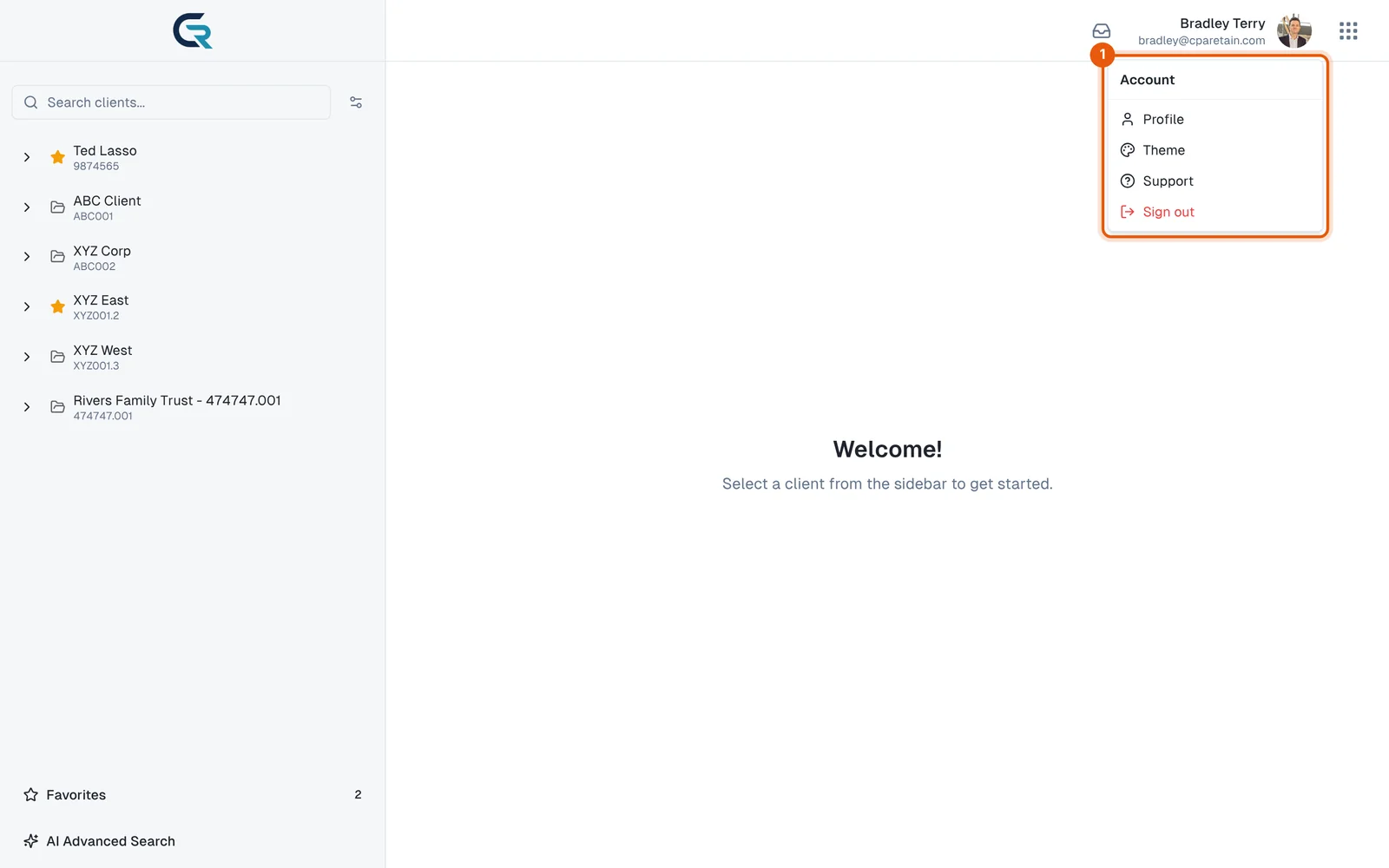
- Click your name at the top right, then click Theme.
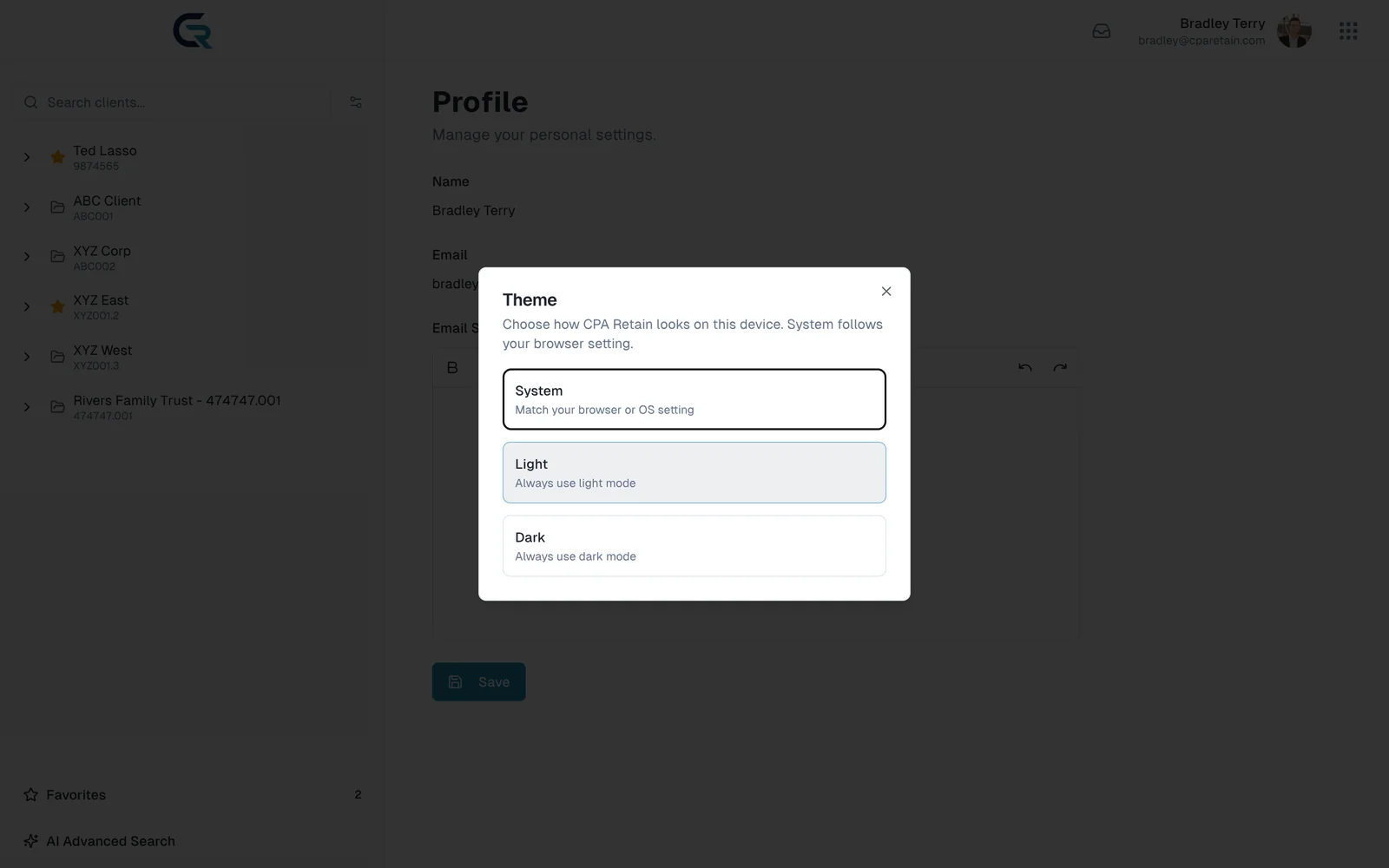
- Choose a theme. It changes straight away.
| Theme | Looks |
|---|---|
| System | Matches your browser or computer setting. |
| Light | Always light. |
| Dark | Always dark. |