Deleting and Restoring Files
Delete files and get them back from the client's Recycle Bin.
Delete files
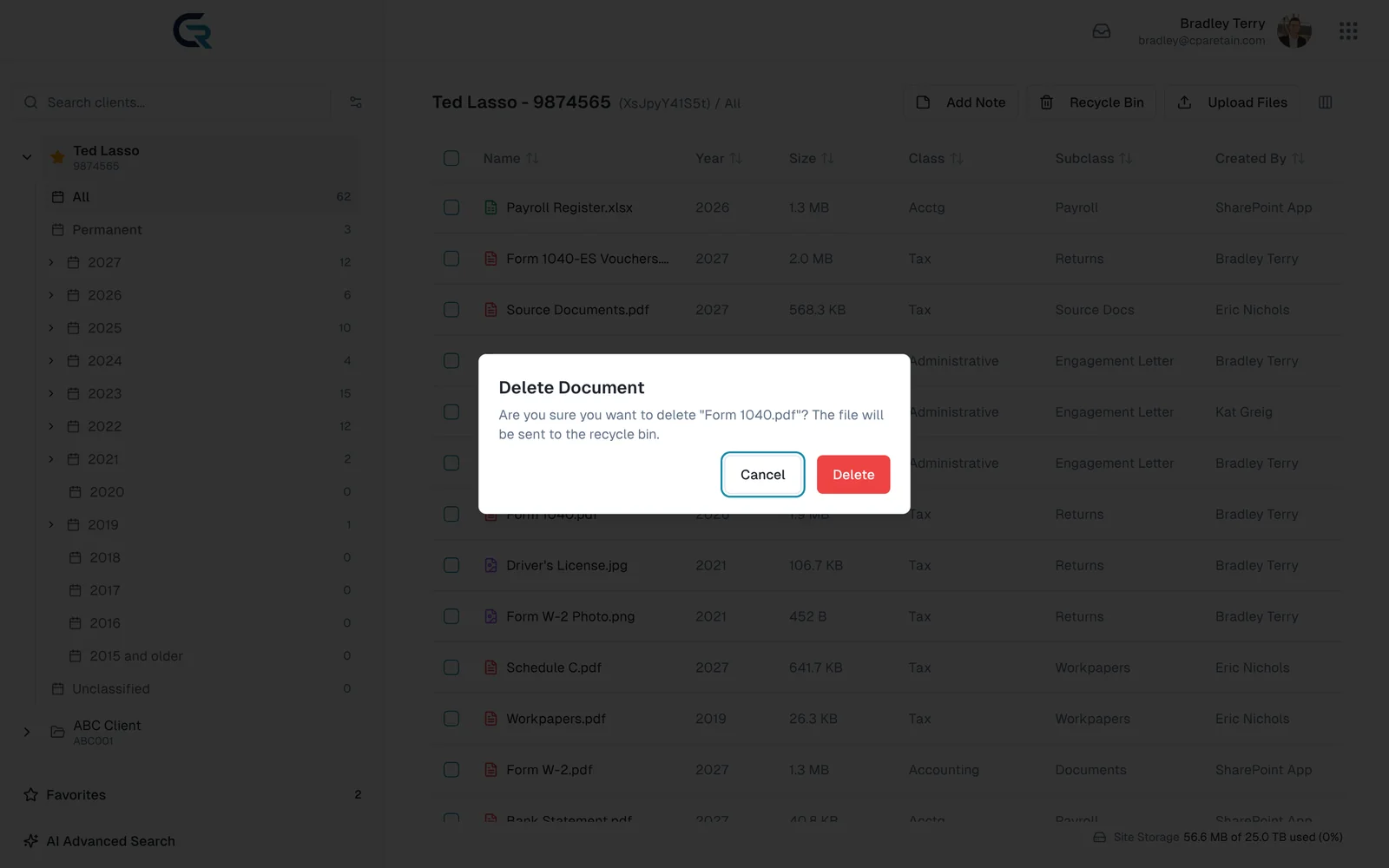
- Right-click a file and click Delete. To delete several files, tick them, right-click one of the selected files and click Delete.
- Confirm with Delete. The files go to the client's Recycle Bin.
Restore files from the Recycle Bin
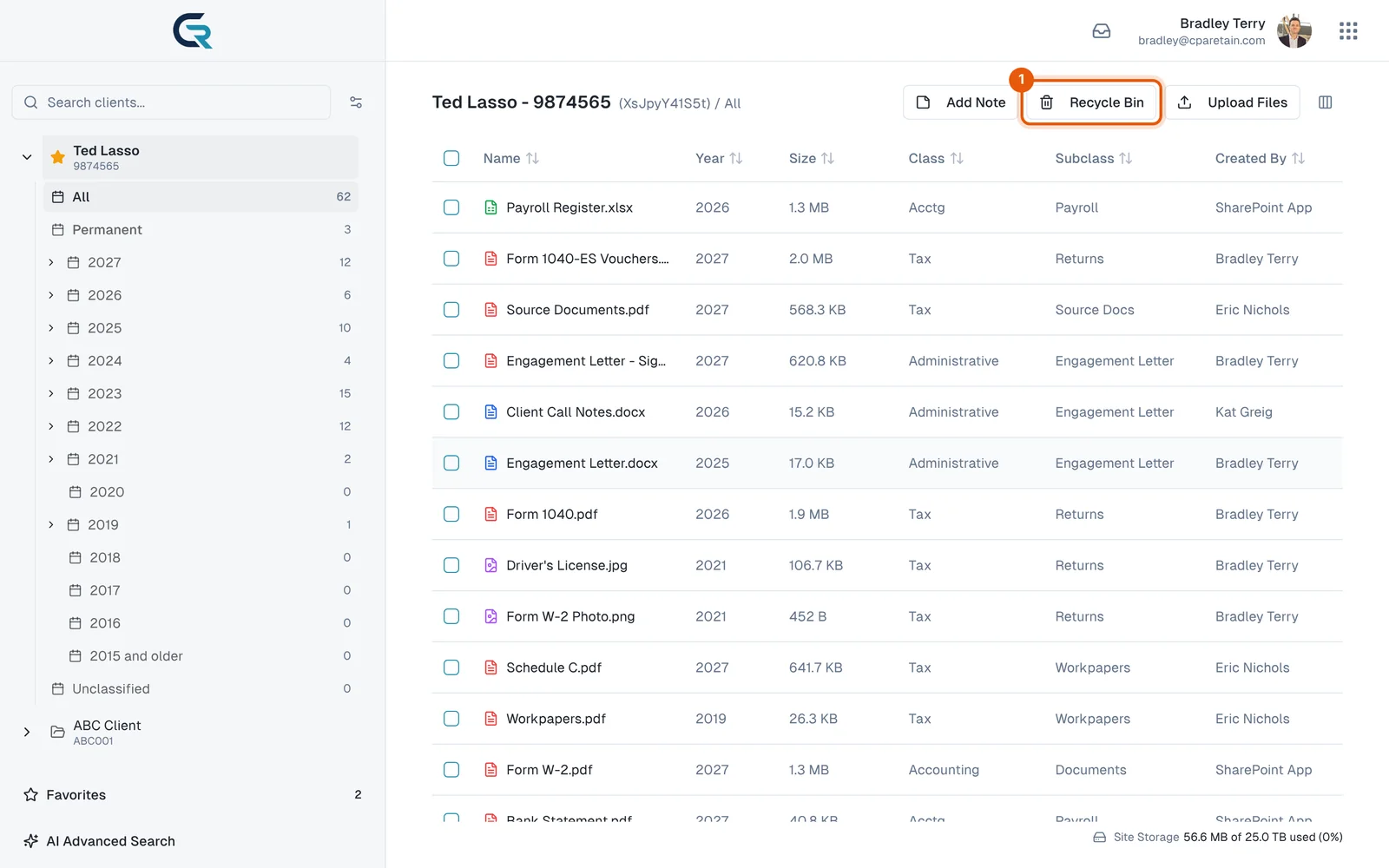
- Open the client and click Recycle Bin 1.
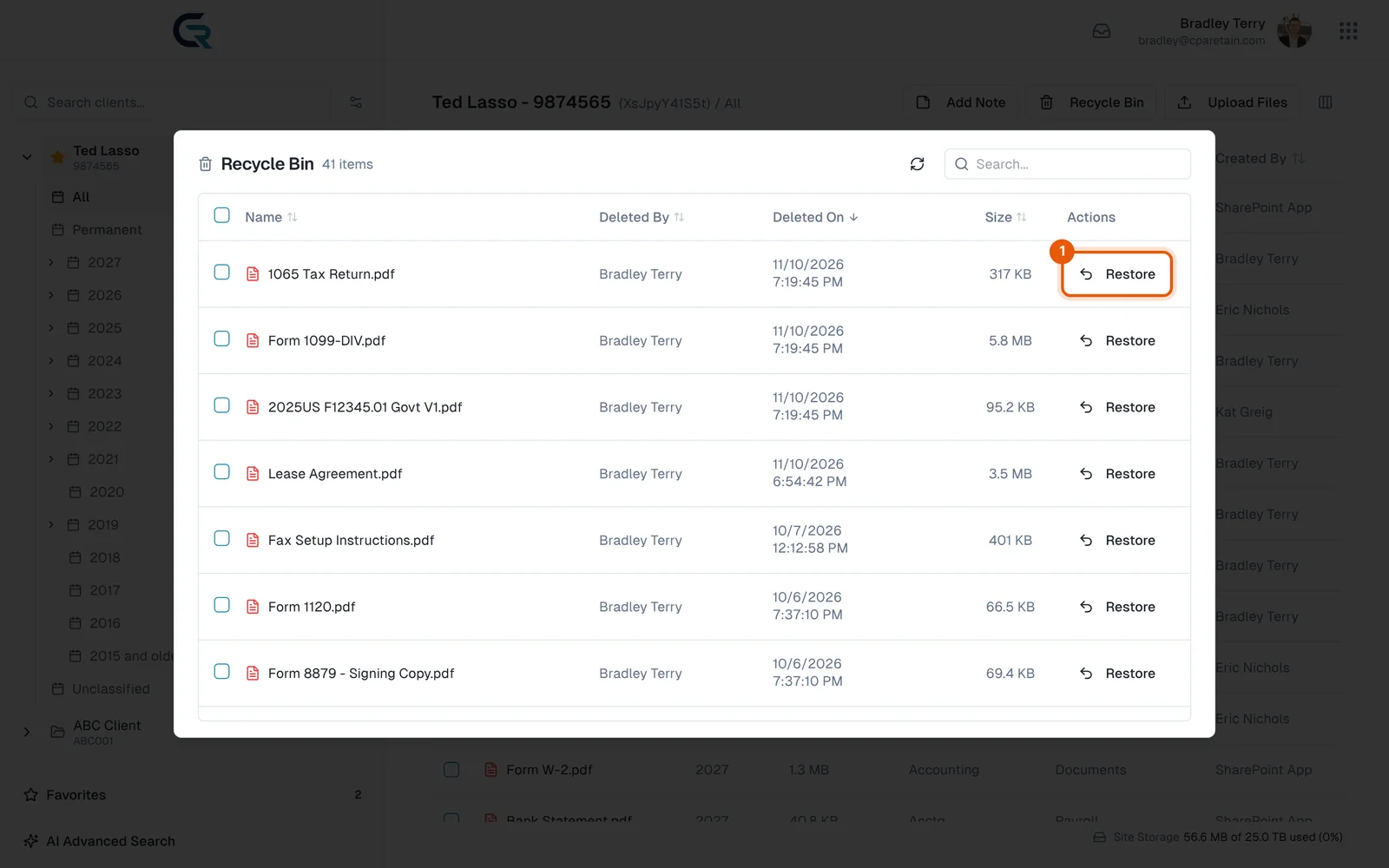
- Find the file. Use Search… or sort by Deleted On.
- Click Restore 1 next to it. To restore several files, tick them and click Restore at the top. CPA Retain shows Restored N items.