
Disallowed File Types
Block file types, such as .exe or .zip, from being uploaded to client libraries.
Block a file type
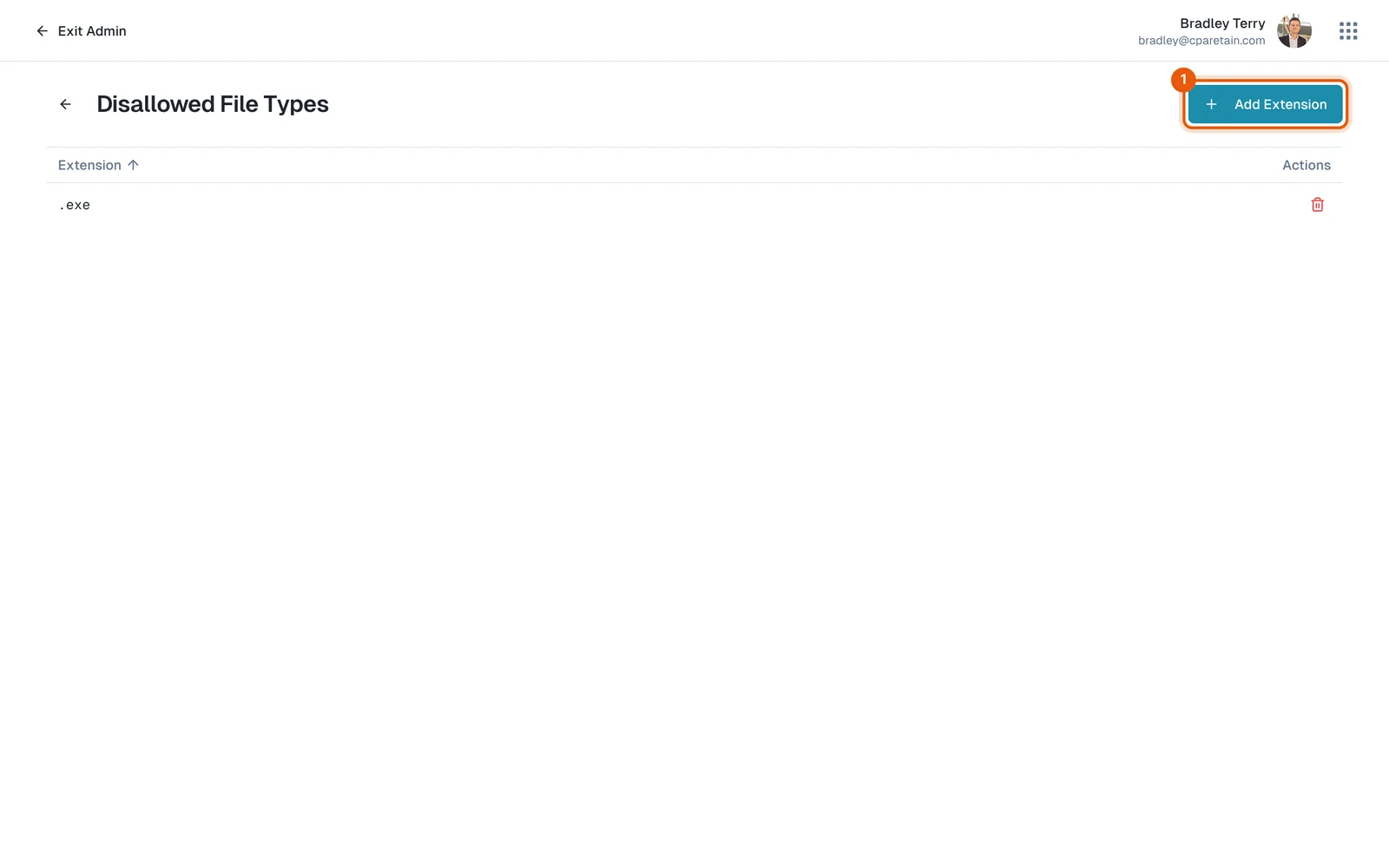
- Go to Admin → Document Settings → Disallowed File Types.
- Click Add Extension 1.
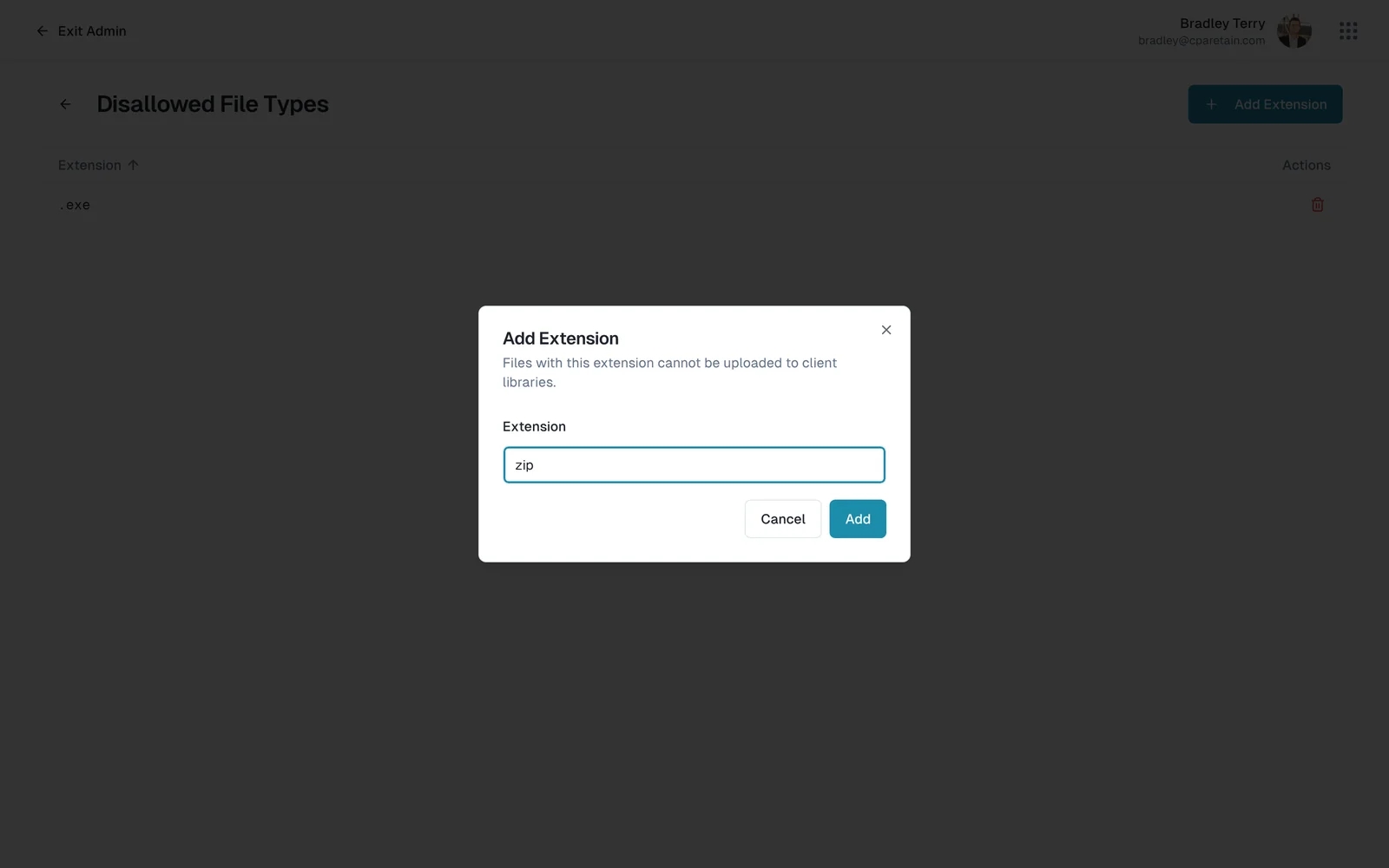
- Type the Extension, for example
zip(with or without the dot), and click Add.
What staff see
When someone tries to upload a blocked file type, the Upload dialog shows This file type is not allowed and cannot be uploaded. When uploading several files, blocked files are crossed out and skipped.