
Renaming Files
Rename a file, using your firm's naming suggestions if you like.
Rename a file
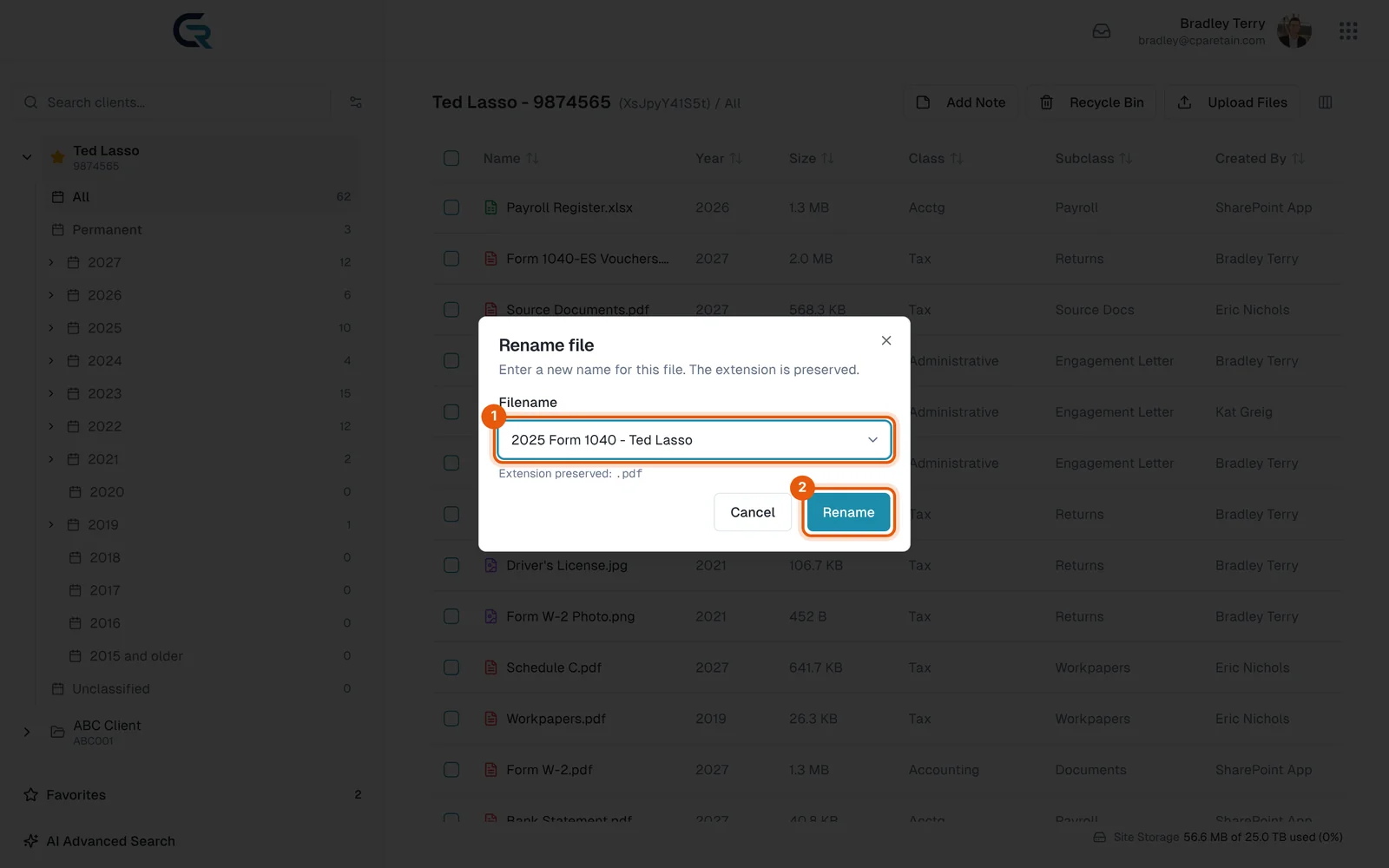
- Right-click the file and click Rename.
- Type the new name 1 in Filename. The extension, such as
.pdf, is kept automatically. Click the arrow in the field to choose one of your firm's naming suggestions. - Click Rename 2. CPA Retain shows File renamed.
Troubleshooting
| Problem | What to do |
|---|---|
| "Filename contains invalid characters" | Remove any of these characters: \ / : * ? " < > | |
| "Filename cannot be empty" | Type a name before clicking Rename. |