
Version History
See earlier versions of a file and restore one.
View a file's versions
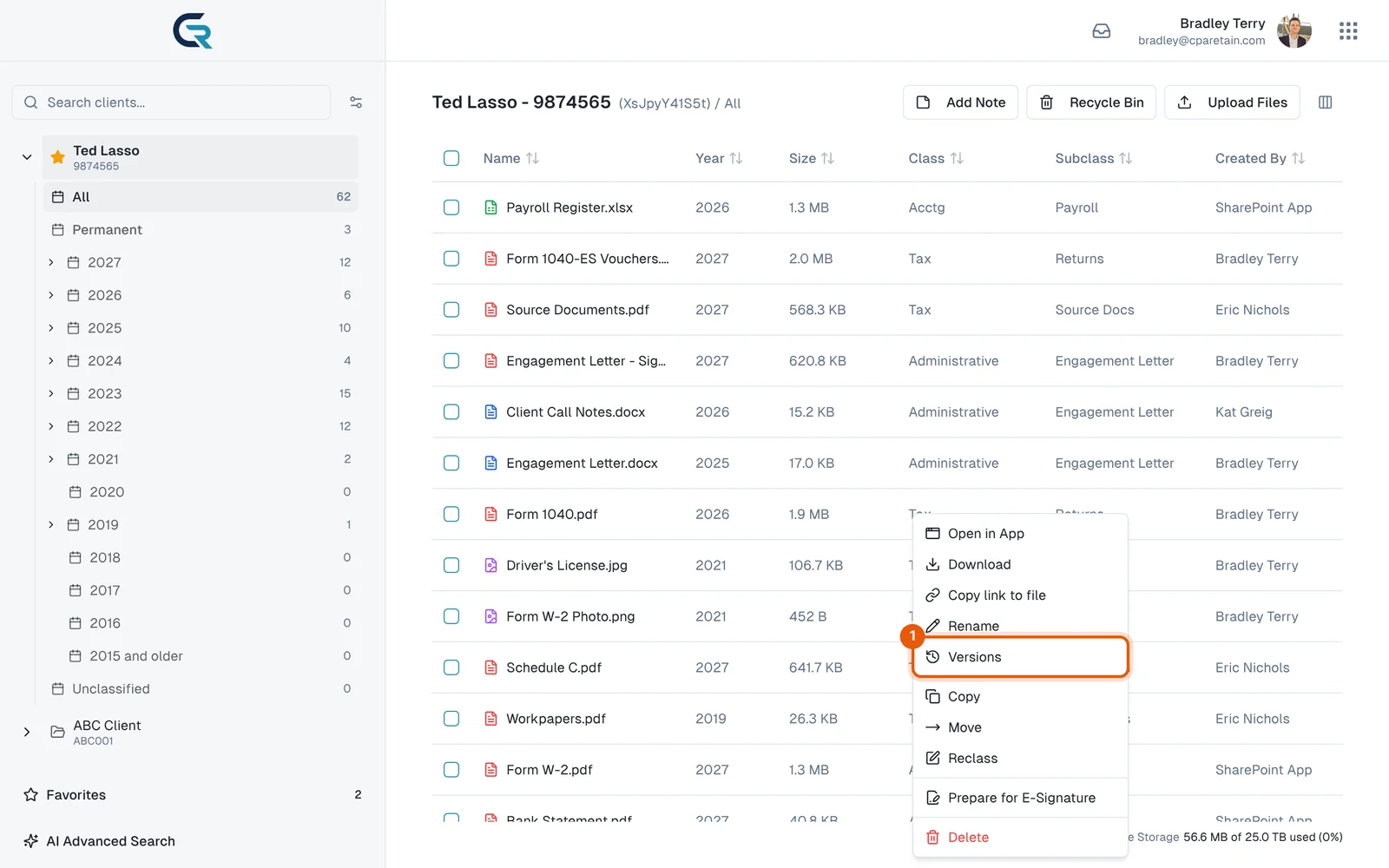
- Right-click the file and click Versions 1.
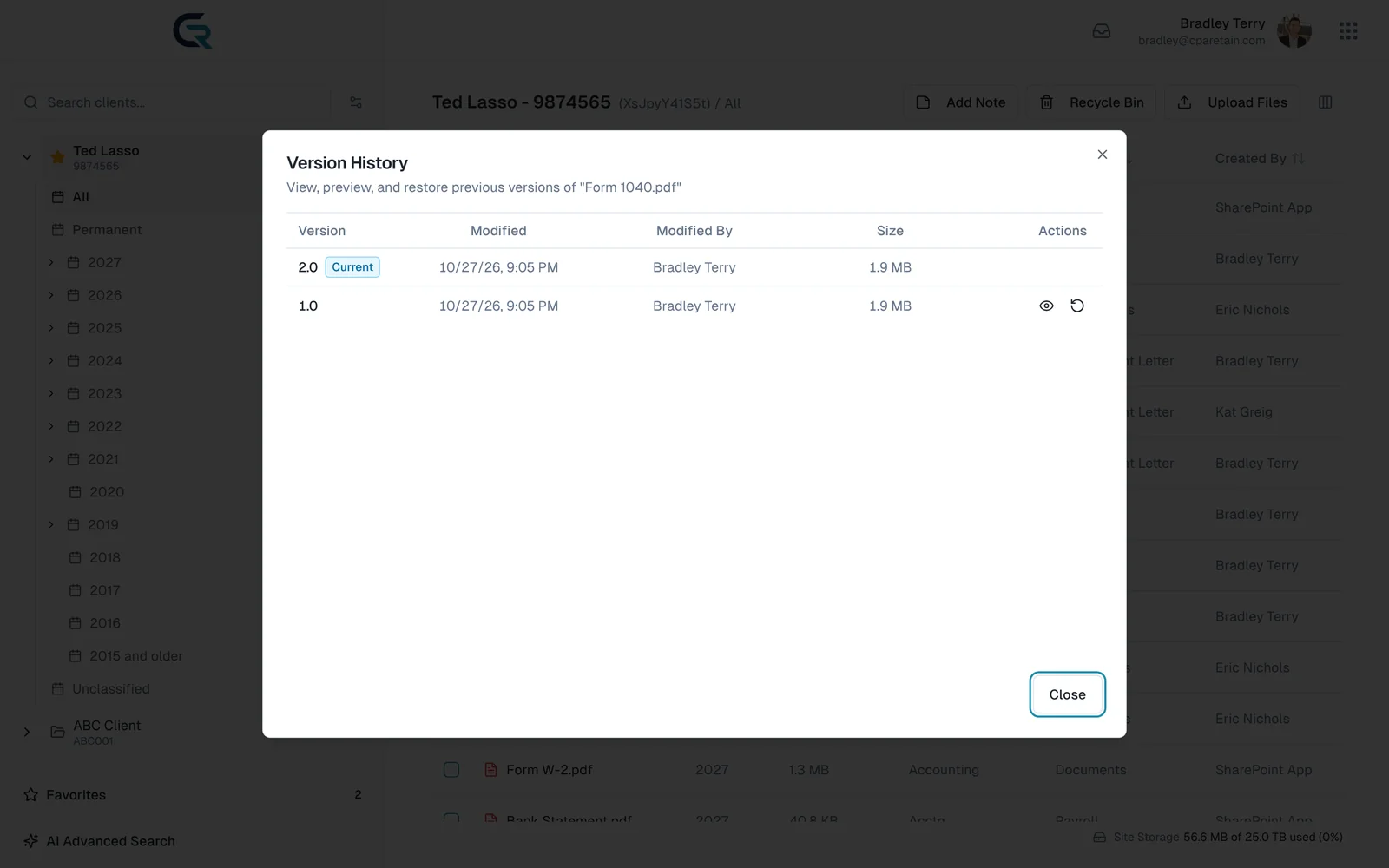
- Version History lists every version with when it was changed, who changed it and its size. The newest is marked Current.
Preview or restore a version
- Click the eye icon to preview an older version (PDFs and images).
- Click the restore arrow to make that version the current one. CPA Retain shows Version restored successfully.