Working with Folders
See a client's SharePoint folders, open them and create new ones.
See folders
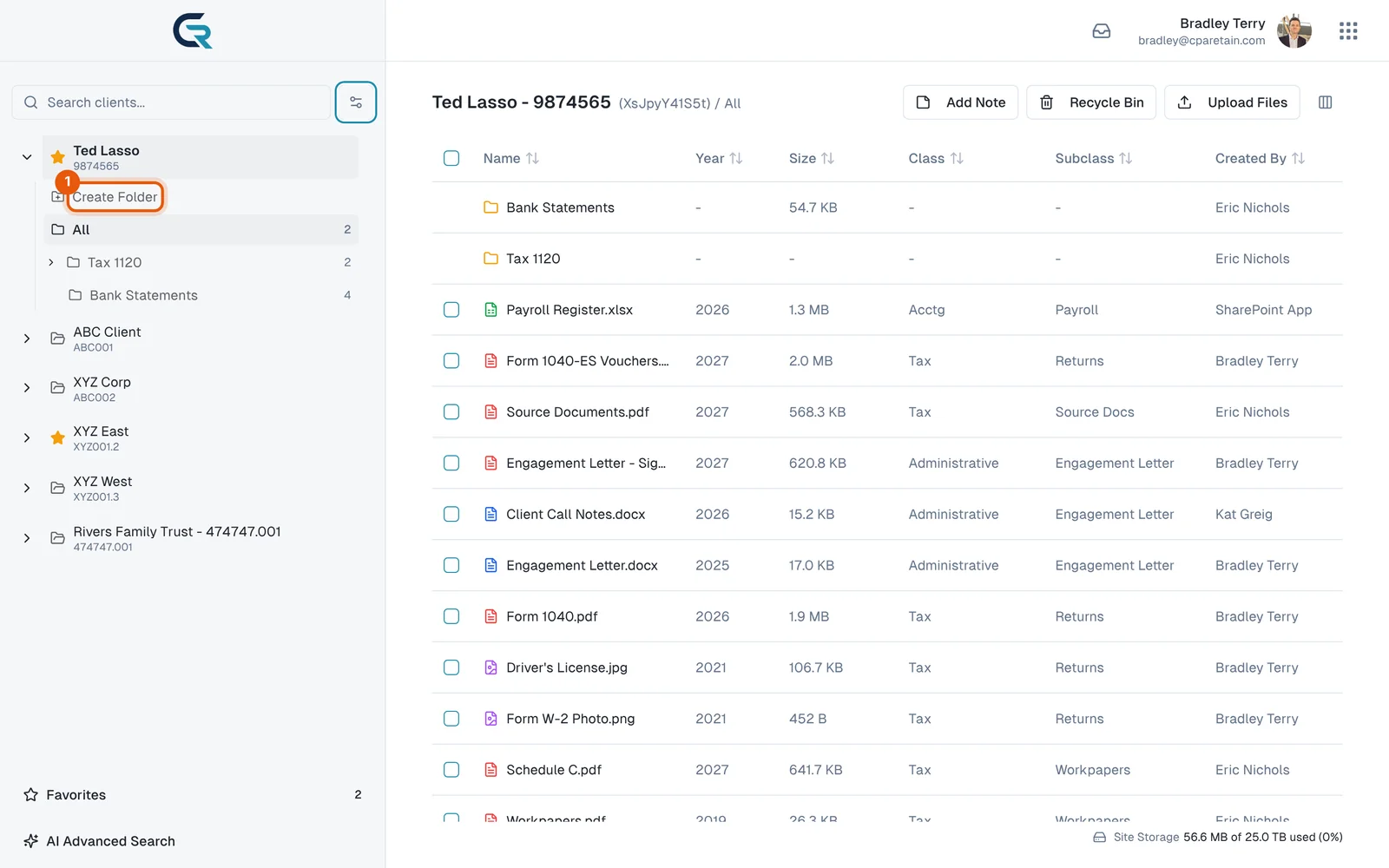
Switch the left navigation to Folders view: click the view button next to Search clients… and choose Folders. Each client then shows All and its folders. In the document list, folders appear at the top; click one to open it.
Create a folder (admins)
- In Folders view, click Create Folder 1 under the client.
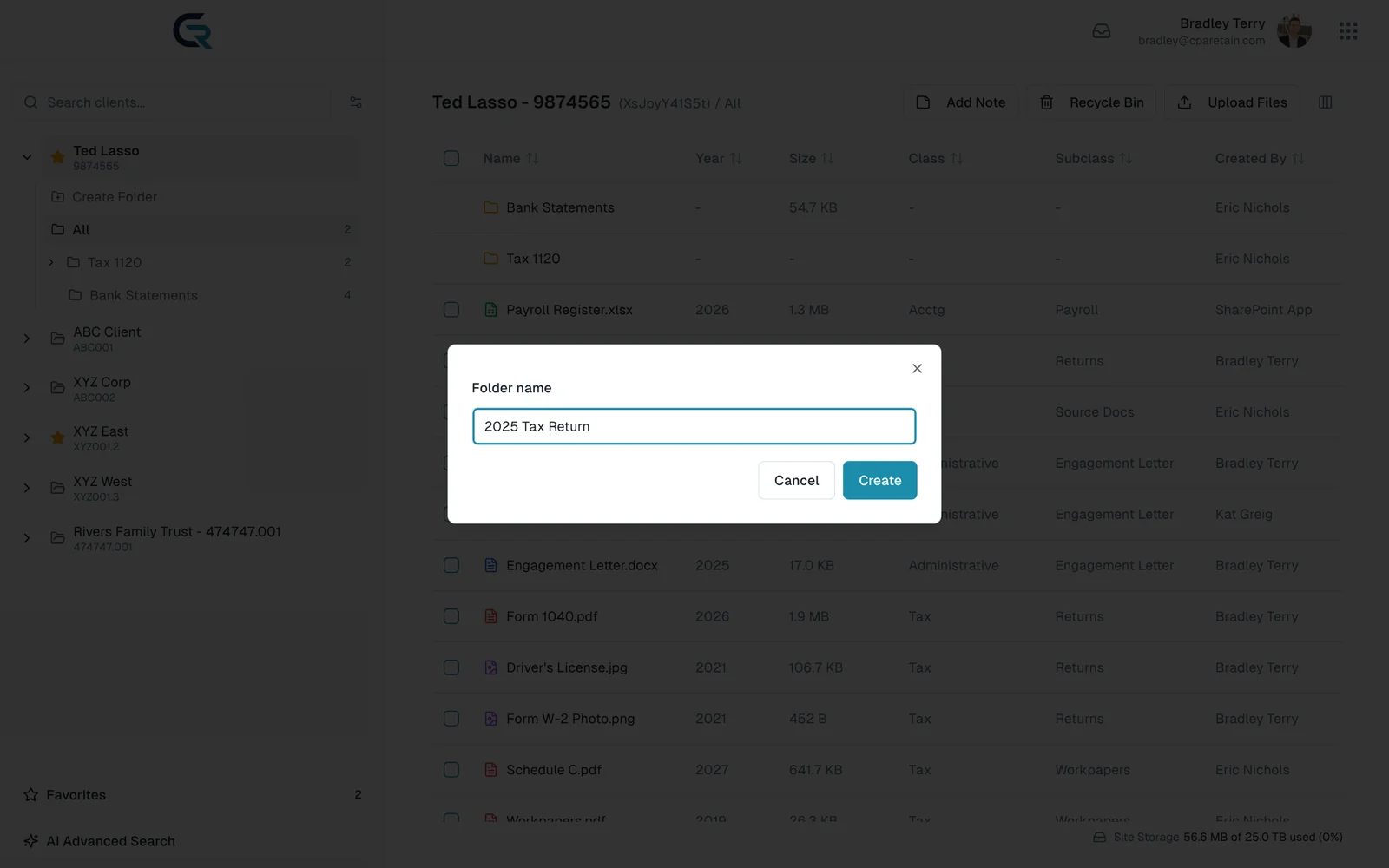
- Type the Folder name and click Create. CPA Retain shows Created folder "…".